Leads, scored the moment they arrive
Every lead gets a score from 0 to 100, recomputed each time it changes. No black box — the rules are simple and visible:
| Signal | Points |
|---|---|
| Rated Hot / Warm | +30 / +15 |
| Came from a partner referral | +20 |
| Came from a trade show or a phone inquiry | +15 |
| Came from the website or an email | +10 |
| Senior title (CEO, director, founder, head of…) | +20 |
| Company of 500+ / 100–499 employees | +15 / +10 |
| Already being worked | +10 |
| Has an email / a phone number | +5 each |
Sort your leads by score and the best ones are at the top. When a lead is ready, Convert creates the account (or reuses an existing one — SoliCRM suggests those with a matching name), the contact and, if you want, the deal, in one step, keeping the campaign it came from.
Deals on a board
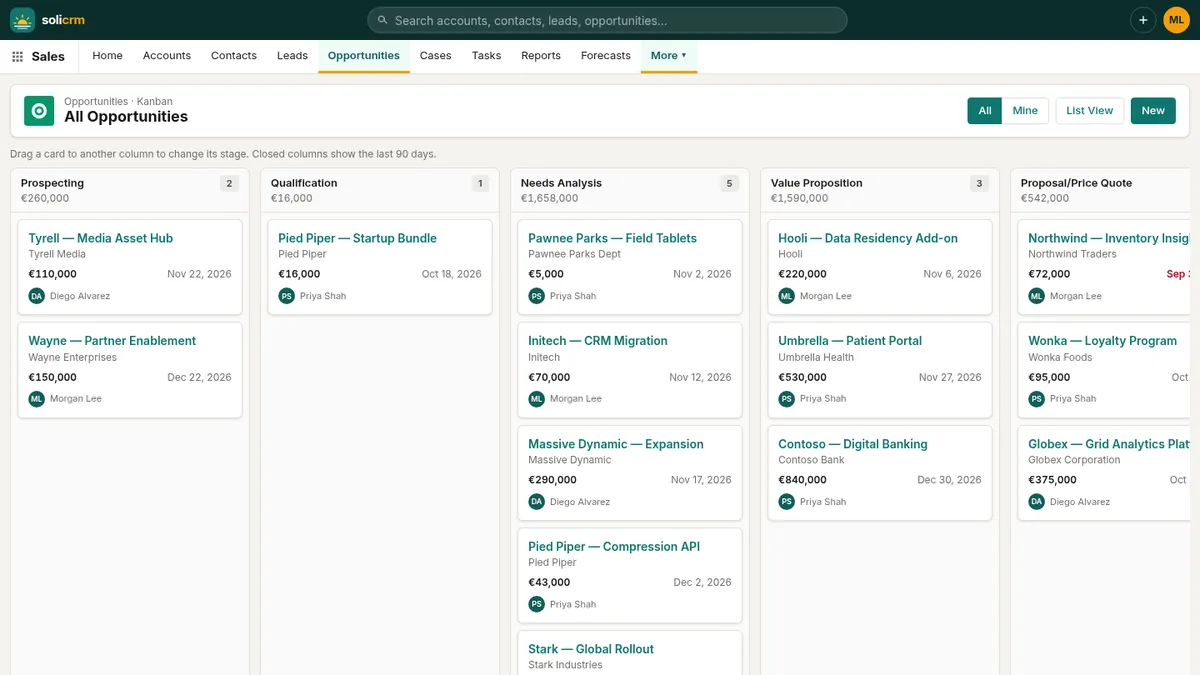
Opportunities move through eight stages, from Prospecting to Closed Won or Lost. Each stage sets the probability and the forecast category — Pipeline, Best Case, Commit, Closed — so the expected revenue and the forecast stay right without anyone typing a percentage.
The board shows every open deal by stage: drag a card to the next column to move it. Closed columns show the last 90 days.
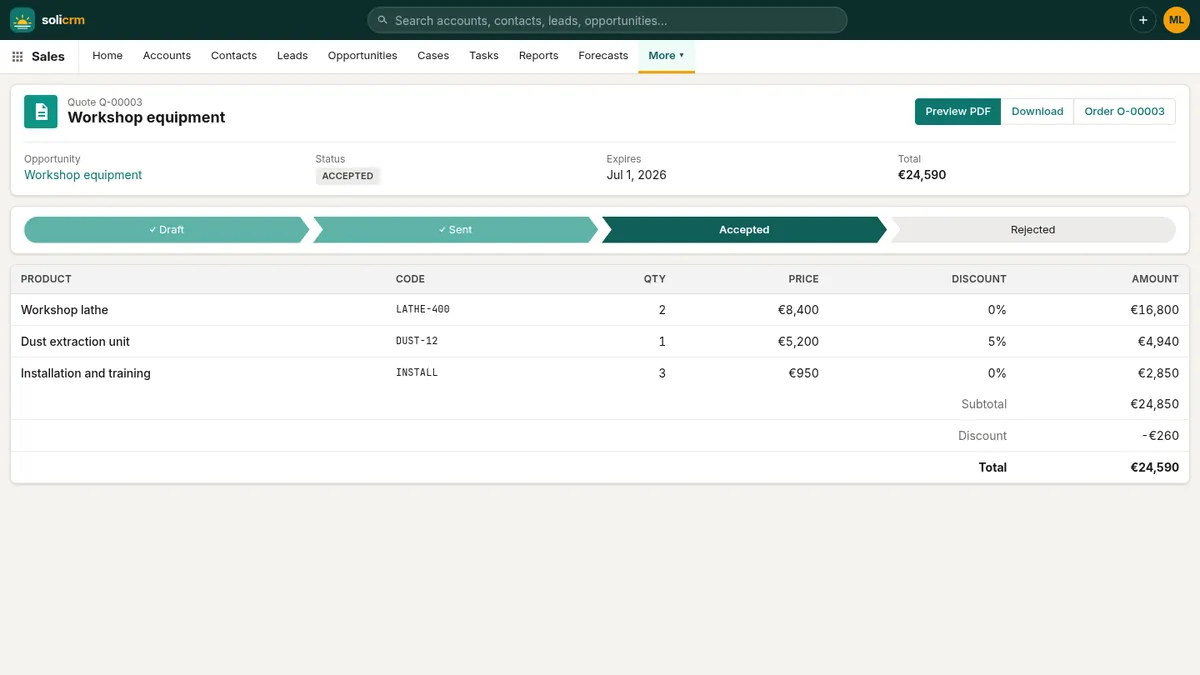
Deals carry their products: quantities, prices from the right price book, discounts, lines you can reorder and group. The deal amount follows its lines.
Deals at risk, before they slip
Every open deal is checked against five signals:
- its close date has passed (35 points);
- no activity for 14 days — no call, email or meeting (25);
- no next step written down (15);
- no contact on the deal (10);
- still in an early stage but due to close within 14 days (15).
From 50 points the risk is high, from 25 medium. The deal page says why in plain words, and the home page lists the five riskiest deals of the team, so the Monday meeting starts with the right ones.
Prices and discounts under control
Products have a list price and can have other prices in price books — "Partner 2026", "Public sector" — chosen per deal. A discount over 20 % on any line needs the seller's manager (or an admin) to approve it; over 40 %, an admin approves a second time. Until then the deal cannot be quoted or marked won. The seller gets a task with the decision, and the Discount approvals page shows what waits and what was decided.
Forecasts against quotas
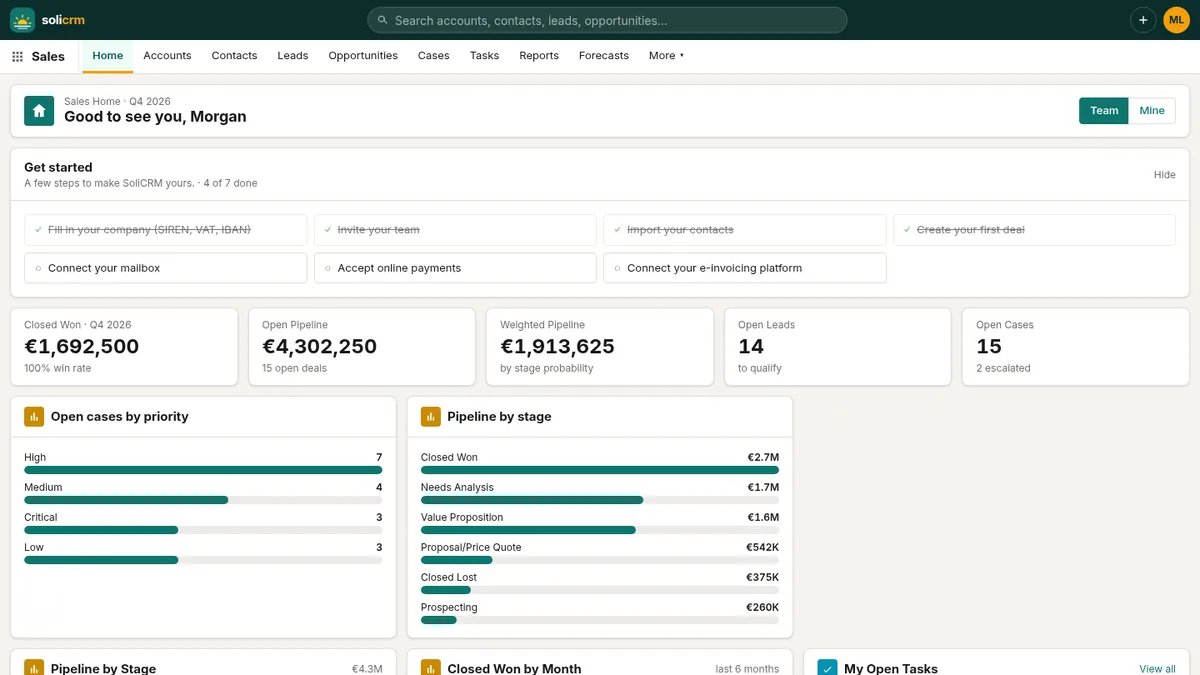
The Forecasts page adds up each seller's quarter: quota, closed, attainment, commit, best case and pipeline. Admins set the quotas per quarter. The home dashboard gives the team view at a glance: closed won this quarter with the win rate, open and weighted pipeline, pipeline by stage, closed won by month, top deals closing this quarter, open leads by source — for the team or just your own.
Territories and teams
A territory is a list of countries with an owning seller, and territories nest — Europe, then France, then Île-de-France. Assign gives accounts to the most specific territory for their country, and parent territories add up their children's accounts and pipeline.
Each user has a manager, and managers see and edit their team's records. Per object, records can be public, read-only for others, or private.
Campaigns with a return
Campaigns — webinars, emails, events, ads, partners — track their budget and actual cost, their members and who responded. SoliCRM follows the money: the deals the campaign sourced, the open pipeline, the amount won, and the ROI.
Calls logged on their own
Every phone number is a tel: link: click it and your softphone dials. With Aircall or Ringover connected, each finished call is logged automatically as a completed call on the contact or lead whose number matches, with its direction, duration and recording link, under the agent who took it.
In short
- Lead scores from readable rules, and conversion in one step.
- A drag-and-drop board with probability and forecast category per stage.
- Deals at risk flagged by five signals, the riskiest on the home page.
- Discount approvals at 20 % and 40 %, price books per deal.
- Forecasts against quotas, territories, campaigns with ROI, calls logged automatically.
Next: from quote to signed order.