A quote built from the deal, frozen when it is created
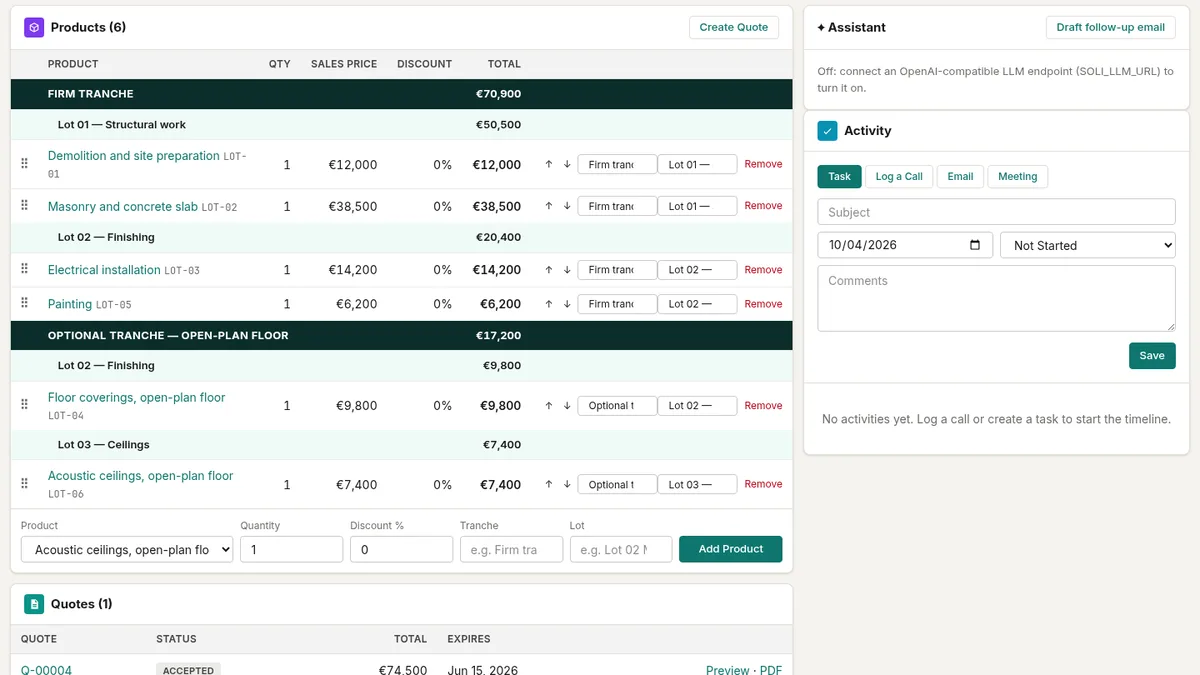
A quote starts on an opportunity: one click on New quote copies the deal's products, quantities, discounts and groups into the quote. From that moment the quote keeps its own lines. If the deal changes next week, the quote still says what was sent.
Before the quote exists, SoliCRM checks the discounts:
- up to 20 %, the seller is free;
- above 20 %, a manager has to approve the deal first;
- above 40 %, two approvals are needed.
Until the approval comes through, SoliCRM declines to create the quote and says why. The quote is valid 30 days by default; its name, expiry date and the note printed on the PDF can be changed while it is a draft or has just been sent.
The PDF follows your company's style — classic, modern or minimal — in your accent colour, with your logo, legal details and your own terms.
Sent by email, signed in the browser
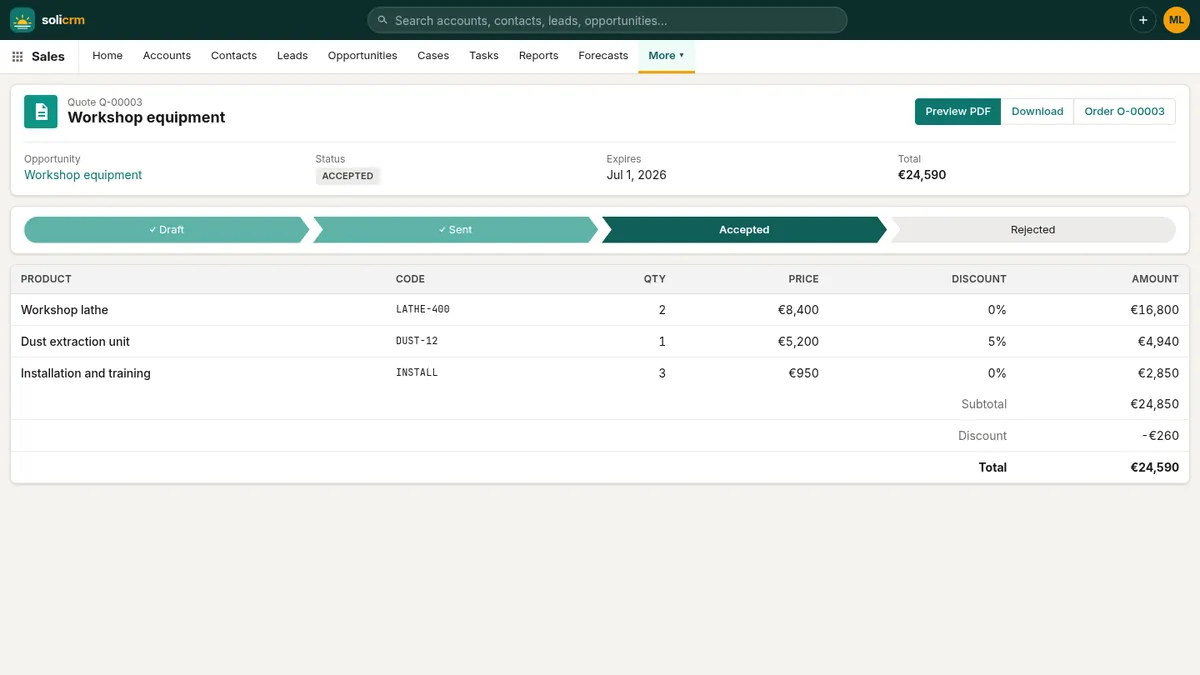
Send by email mails the customer a link to the quote and marks it as sent. The customer opens the link without an account, reads the quote, downloads the PDF and either:
- accepts it by typing their name and ticking the consent box, or
- declines it, with a reason if they want to give one.
An online acceptance is a simple electronic signature, and SoliCRM keeps its evidence with the quote: the signer's name and email, the date and time, their IP address and browser, and the SHA-256 fingerprint of the exact PDF they accepted. If the document is ever disputed, you can prove which version was signed.
The seller is told straight away — a task lands in their list: "Quote Q-00042 accepted and signed by Jane Smith" — and the quote.accepted webhook fires for your other tools.
For contracts that need an advanced electronic signature, connect Yousign in Setup → Integrations and send the quote through Yousign instead. When the signature request completes, the quote is accepted with the Yousign request as evidence.
Rules that protect what was agreed
A quote moves Draft → Sent → Accepted or Rejected, and only forward:
- an expired quote cannot be accepted — extend its validity first, and the customer's link stops offering the button on its own;
- once accepted or rejected, a quote is the record of that answer: it can no longer be edited, re-sent, sent for signature or deleted. To propose something else, create a new quote;
- only a draft can be deleted.
A late Yousign signature on a quote that was already declined does not overturn the answer either.
One accepted quote, one order
Create order turns an accepted quote into an order, with its lines, total and customer. A quote gives one order: clicking again takes you to the order that exists, so the same sale is never booked twice.
An order moves Draft → Activated → Fulfilled:
- while it is a draft, its quantities and discounts can still be adjusted — say the customer wants eight seats instead of ten;
- once activated, it is a firm commitment and can be invoiced;
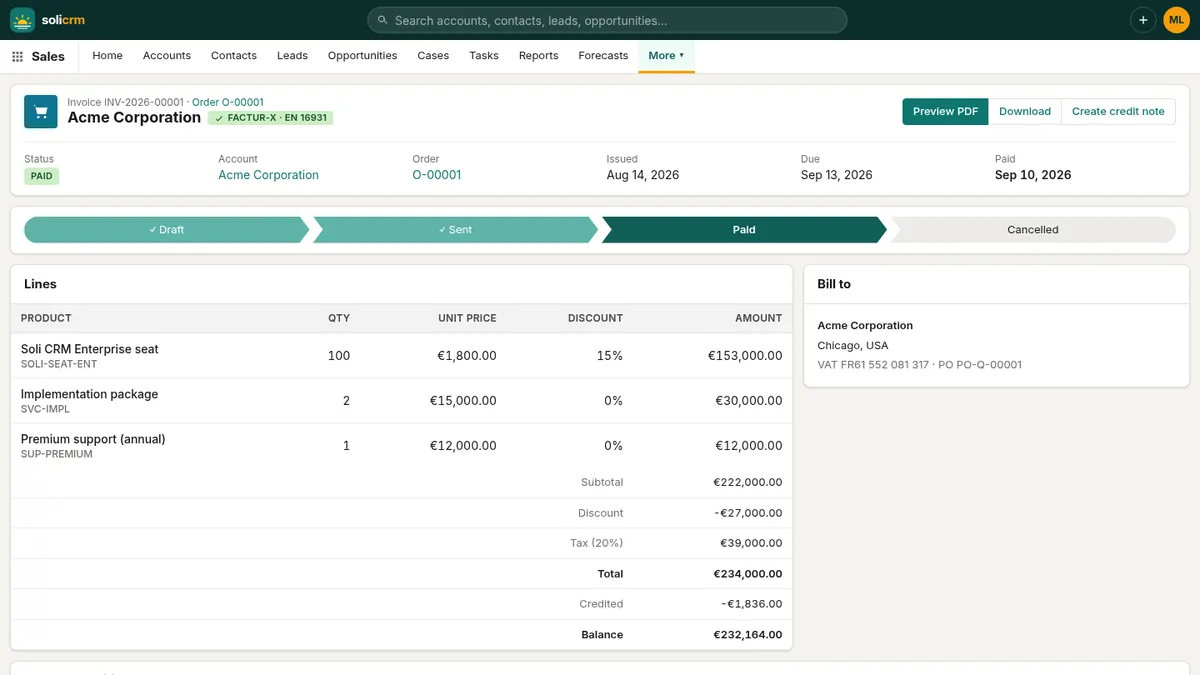
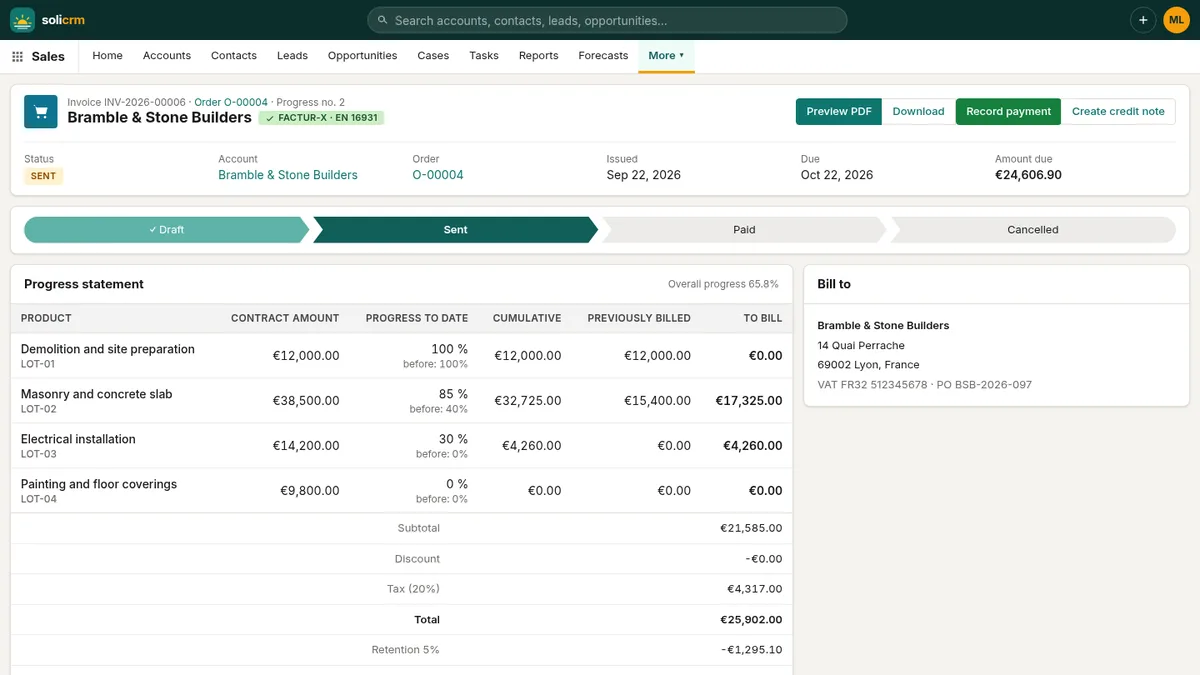
- once invoiced, it can no longer go back to draft or be cancelled: its invoices would no longer match it. A mistake is corrected with a credit note, as the law expects.
Each order prints as an order confirmation PDF with the customer's purchase order number and the billing and shipping addresses.
Contracts that renew themselves on time
From an activated order, Create contract prefills the account, the name and the value. You set the start date and the term in months; SoliCRM computes the end date and prints your terms — written in Markdown, with headings and lists — in the contract PDF.
A contract moves Draft → Activated → Expired, and an activated contract is no longer edited: what was signed stays what was signed. An order gives one contract, and an order under an active contract cannot be cancelled.
Every morning at 6:00, SoliCRM looks at the contracts ending within 60 days and opens a "Renewal — …" opportunity for each, owned by the contract's owner. The Expiring view lists them, so renewals are worked well before the end date instead of being discovered after it.
In short
- Quotes copied from the deal, with discount approvals at 20 % and 40 %.
- Online acceptance with full evidence, or Yousign for an advanced signature.
- A strict path: draft, sent, answered — then locked.
- One order per quote, one contract per order, nothing cancelled once invoiced.
- Renewal opportunities opened 60 days before a contract ends.
Next in the series: invoices, credit notes and online payment.