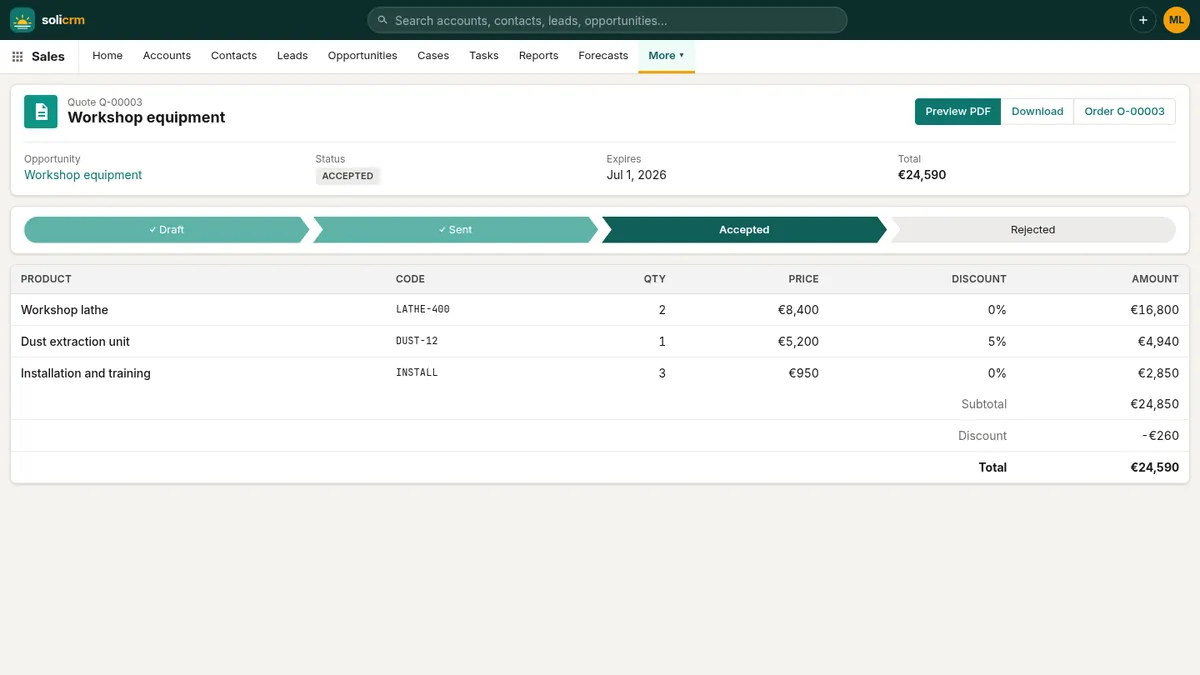
From the order to the invoice
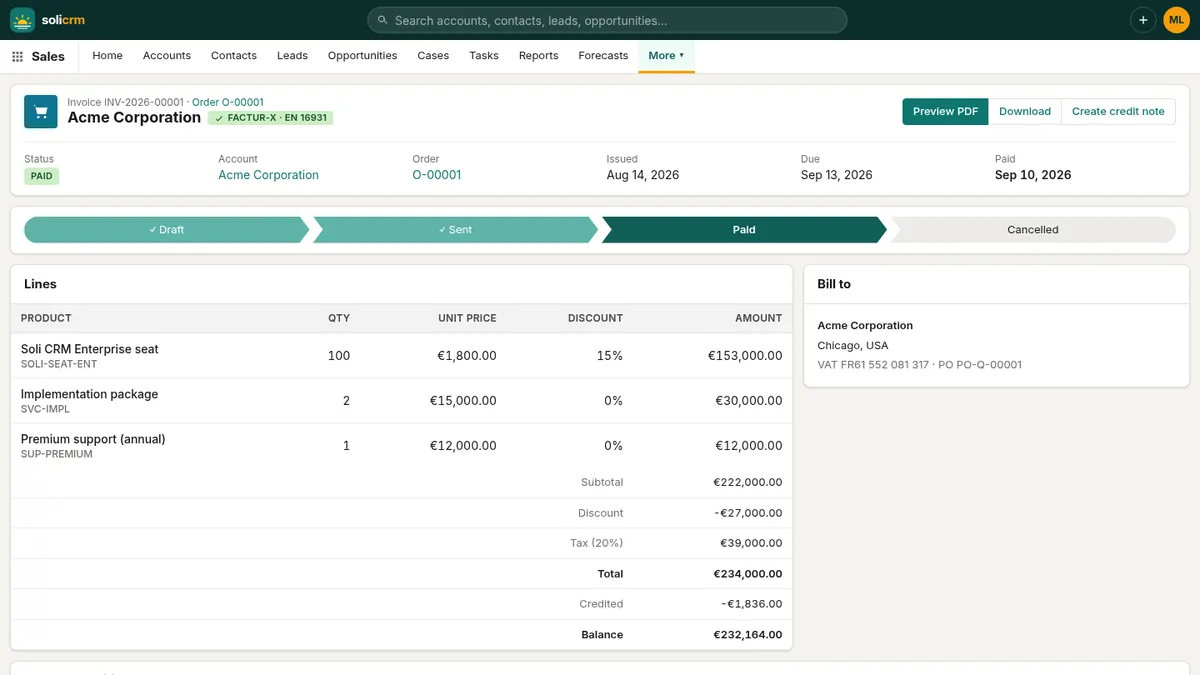
An activated order is invoiced in one click. The invoice takes the order's lines, discounts and totals, your tax rate, and your payment term (30 days by default, set in Setup → Company). It also takes a snapshot of the customer's billing identity — name, address, VAT number, company registration — so that editing the account later never changes an invoice that went out.
While the invoice is a draft, you can still adjust its due date, tax rate, customer identity, purchase order number and the note printed on it. Once issued, it is frozen.
Numbering without gaps
French rules require invoice numbers to follow one continuous, chronological sequence. SoliCRM therefore numbers an invoice when it is issued, not when it is drafted:
- a draft carries a provisional number such as
DRAFT-5AA8841DFB, and its PDF is stamped DRAFT; - Mark as sent gives it the next number of the year —
INV-2026-00042— and today's date as its issue date. The due date moves with it and keeps the payment term you chose; - a draft you abandon is simply cancelled: it never took a number, so the sequence has no hole.
An invoice then moves Sent → Paid. An issued invoice is never cancelled: to correct it, you issue a credit note.
The Overdue view lists sent invoices past their due date, with the total outstanding, so collections never depend on memory.
Credit notes, line by line
From an issued invoice, Create credit note lets you choose what to credit: all of it, or some quantity of some lines — "two of the ten seats", "the training day that did not happen". A reason is required and printed on the document.
SoliCRM keeps the arithmetic honest: a line is never credited beyond what is left of it, counting the credit notes already made. Like invoices, credit notes are numbered when issued (CN-2026-00007) and move Draft → Issued → Refunded. The invoice page shows what was credited and the balance still due.
Paid online, marked paid on its own
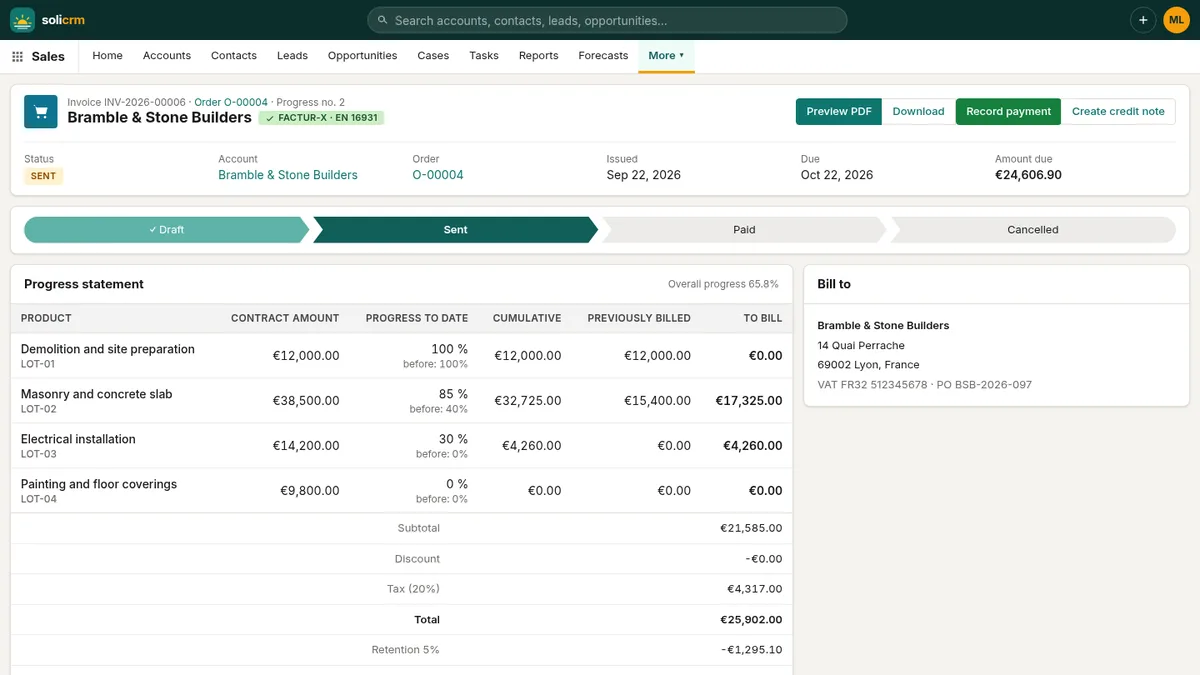
Connect your own Stripe account in Setup → Integrations, and every issued invoice can go out by email with a payment link. The customer opens the invoice in the browser, downloads the PDF and pays by card — or by any other method you enable in Stripe, such as SEPA Direct Debit. The amount asked is what is actually due: deposits already invoiced, retention held back and credit notes are taken off.
When Stripe confirms the payment, the invoice is marked Paid with the payment reference, and the invoice.paid webhook tells your other tools. No reconciliation by hand.
For customers who prefer a transfer, euro invoices carry a SEPA QR code (GiroCode): scanned with a banking app, it fills in your IBAN, the amount and the invoice number as reference.
Documents that look like yours
Setup → Company holds everything printed on your documents: legal name, tagline, address, VAT and registration numbers, bank, IBAN and BIC, the footer line (share capital, registry…), your default tax rate and payment term, and the payment terms text printed at the bottom of invoices (by default, the French late-payment mentions).
On the same page, each kind of document — invoice, quote, order, credit note, contract — gets its own style:
- Classic: sober, with a clear header band;
- Modern: a bold title, a summary card and a decorated background;
- Minimal: just the essentials, lots of white space.
Pick an accent colour, upload your logo (PNG or JPEG, up to 400 KB, dropped onto the page), and preview each style with sample data before choosing. A payment block that would straddle a page break moves to the next page in one piece.
In short
- Invoices from activated orders, with the customer's identity frozen.
- Numbers given at issue: one continuous sequence, no gaps, in date order.
- Credit notes line by line, never more than what is left.
- Online payment through your Stripe account, marked paid automatically.
- SEPA QR code on euro invoices, and three document styles in your colours.
Previous: from quote to signed order. Next: deposits, progress invoices and retention.